 Polytoolhub
SDK
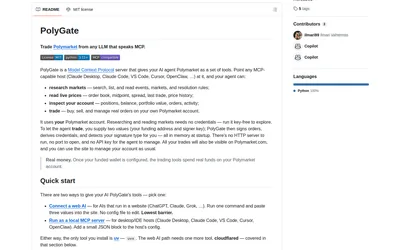
Connect an MCP-capable AI client to Polymarket research, live market reads and optionally your account’s order tools.
- Language Python
- Access CLI · MCP
366 tools. One searchable catalog.
One of the largest Polymarket tool catalogs for traders, researchers and builders.
Connect an MCP-capable AI client to Polymarket research, live market reads and optionally your account’s order tools.
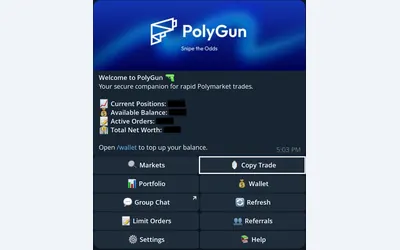
Trade Polymarket in Telegram, copy wallets with three sizing modes, manage TP/SL and automate crypto entries with AutoPilot.
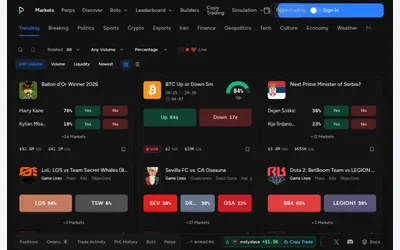
Browse Polymarket events with paper-trading, simulation and portfolio navigation in Polyinit.
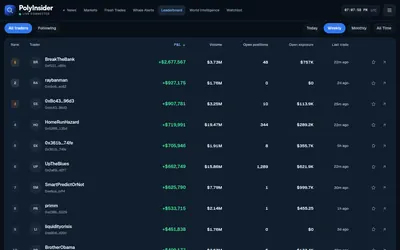
Follow large Polymarket buys, first-time wallet activity and market-linked news in a live research dashboard.
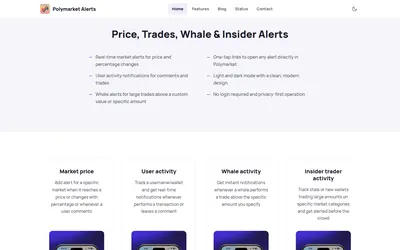
Receive mobile notifications for Polymarket prices, wallet activity, large trades and disputed or resolved markets without creating an app account.
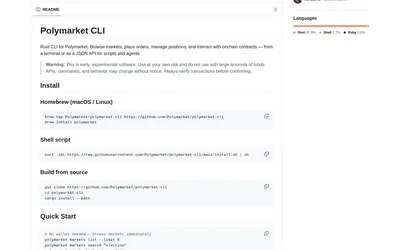
Browse markets, query books and script Polymarket operations from a Rust command-line client with table or JSON output.
Explore workflows
Choose a task, then find the tools for each step.
Go from trader research to a choice of paper, manual or live copying, with costs and controls to check at each step.
Follow the workflow Discover → Inspect → MonitorFind wallet trackers, inspect positions and use activity data to put a trader’s moves in context.
Find wallet-tracking tools Choose data → Integrate → AnalyzeExplore APIs, SDKs and historical datasets for a dashboard, research pipeline or trading application.
Explore developer toolsLearn the essentials
Find out when public data needs no key and how authentication works for private CLOB requests.
Read guideChoose Gamma, CLOB or Data API for your task, and keep market, outcome-token and wallet identifiers straight.
Read guide