 Polytoolhub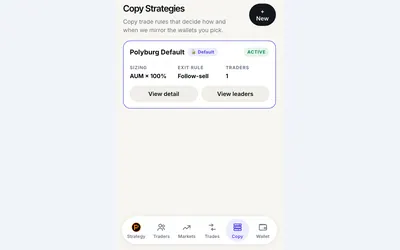
Trading bot
Copy a trader or managed preset in Telegram, with budgets, sizing rules and automatic exits.
- Trading mode Manual · Live automation
- Access Web · Telegram
Your Polymarket toolkit
Tools for trading, research and building on Polymarket.
Copy a trader or managed preset in Telegram, with budgets, sizing rules and automatic exits.
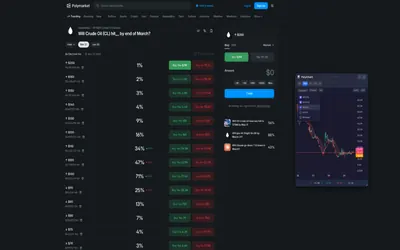
Add candlestick charts, indicators and outcome comparisons directly to Polymarket pages.
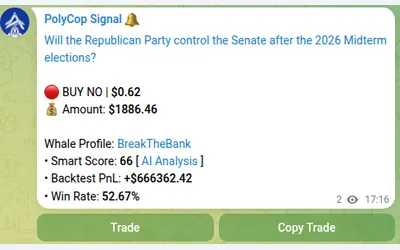
Copy Polymarket wallets in Telegram with market or limit orders, granular exposure limits, order-book pricing and a separate BTC automation mode.
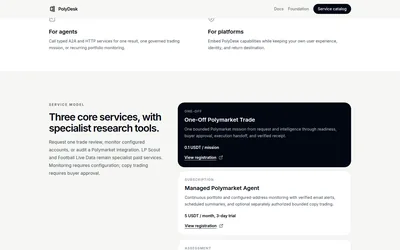
Integrate bounded Polymarket trade requests, recurring portfolio monitoring and evidence-backed integration reviews through typed agent services.
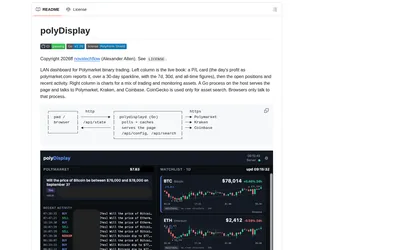
Run a local browser dashboard showing a public Polymarket wallet’s positions, activity and P&L beside crypto price charts.
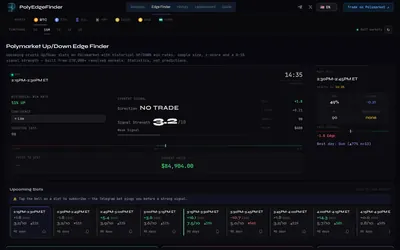
Compare historical Up/Down outcomes by crypto asset and time slot, inspect wallet records and receive configurable pre-start alerts in Telegram.
Explore workflows
Choose a task, then find the tools for each step.
Go from trader research to a choice of paper, manual or live copying, with costs and controls to check at each step.
Follow the workflow Discover → Inspect → MonitorFind wallet trackers, inspect positions and use activity data to put a trader’s moves in context.
Find wallet-tracking tools Choose data → Integrate → AnalyzeExplore APIs, SDKs and historical datasets for a dashboard, research pipeline or trading application.
Explore developer toolsLearn the essentials
Find out when public data needs no key and how authentication works for private CLOB requests.
Read guideChoose Gamma, CLOB or Data API for your task, and keep market, outcome-token and wallet identifiers straight.
Read guide