 Polytoolhub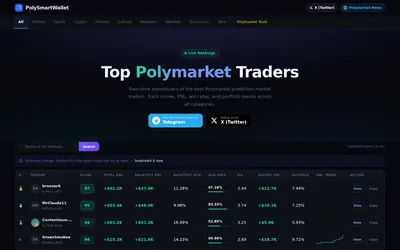
Analytics
Compare Polymarket wallets using PnL, win rate, backtest returns and slippage-related fields, then inspect their positions and activity.
- Access Web
Explore a workflow
Explore Polymarket leaderboards, wallet analytics, market scanners, portfolio views and alerts. Use these tools to investigate market activity and trader performance.
Check reporting periods, P&L methodology, refresh timing and whether a feature is a dashboard view or a delivered notification.
Compare Polymarket wallets using PnL, win rate, backtest returns and slippage-related fields, then inspect their positions and activity.
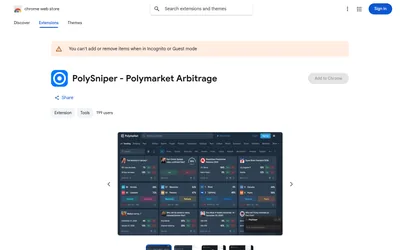
Scan Polymarket multi-outcome events for complete-set price gaps, then inspect CLOB verification, estimated depth and annualized return in Chrome.

Copy public Polymarket wallets from Telegram with configurable sizing, exposure filters, automated execution and periodic position claiming.
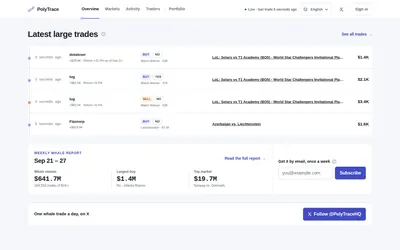
Inspect Polymarket trades of $1,000 or more, the wallets behind them, concentration within whale signals and weekly money-flow reports.
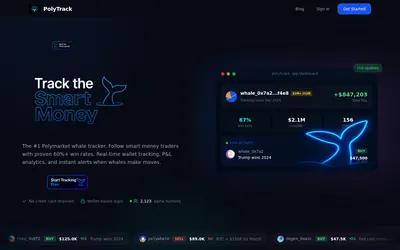
Follow selected Polymarket wallets with position, PnL and behavior analytics, plus alerts and CSV exports on the paid plan.

Analyze a public Polymarket wallet and generate copy-setting suggestions for PolyCop, PolyGun and TheTradeFox.
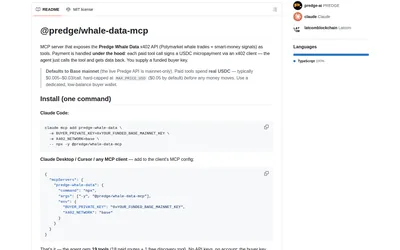
Give an MCP client whale activity, wallet comparisons and signed outcome records with per-call USDC payments and a configurable price cap.
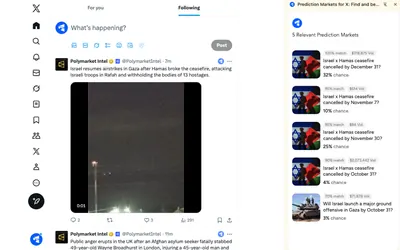
Find Polymarket markets related to posts while browsing X through a lightweight Chrome extension.

Compare Polymarket and Kalshi prices in a sports screener and a market-pulse view for equities, crypto and macro events.
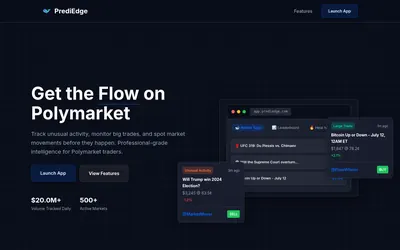
Monitor large Polymarket trades and unusual activity with a whale tape, market heat map and configurable volume/category filters.
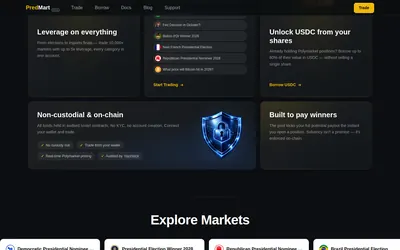
Take leveraged exposure to prediction outcomes against a USDC pool, or research borrowing against existing shares and providing pool liquidity.
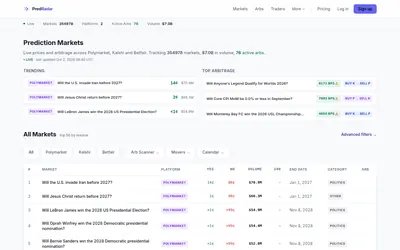
Search prediction markets across venues and compare prices, closing dates, whale activity and flagged cross-platform gaps.