 Polytoolhub
What is Forecast AI?
Forecast AI separates market, news, social, Reddit, research, macro and on-chain analysis before combining probabilities. Forecast Lab targets prediction contracts; RWA and Coins Intelligence analyze different assets. Agent Studio lets users configure a specialist or a swarm, while eligible published forecasts enter a proof-and-resolution record.
Who it is for
- Researchers comparing evidence domains
- Users who want model disagreement exposed
- Builders creating forecasting identities
Features and coverage
- Available on
- Web
- Markets & venues
- Polymarket, Kalshi, Tokenized assets
- Seven specialist roles
Keep probabilities and evidence separate before consensus.
- Forecast Lab
Analyze Polymarket and Kalshi questions.
- Provider provenance
See whether a connector was used, unavailable, failed or irrelevant.
- Agent Studio
Configure Prediction Markets, RWA or hybrid agents.
- Public forecasts
Share eligible results through public URLs.
- Proof commitments
Record eligible forecast payloads on the supported network.
- Resolution scoring
Attach Brier-style results to the forecasting identity.
- Separate asset outlooks
Use explicit horizons for RWA and native-coin research.
Workflows with Forecast AI
Audit a consensus
Inspect each specialist’s estimate and sources instead of reading only the final number.
Build a specialist
Choose its target, models and modules, then test the resulting forecasts.
Review a record
Separate published commitments, unresolved forecasts and scored outcomes.
Pricing and total cost
Core access is free during testing. Activating a user-created identity currently requires a refundable lock of 200,000 FORAI per identity; unlocking retires that identity while preserving its historical record. Holder tiers provide higher usage limits.
Getting started
Before you start: RWA directional outlooks and event probabilities are different forecast targets.
- Open Forecast Lab.
- Sign in for a run.
- Choose the exact contract.
- Inspect role-level sources and provider status.
- Use Agent Studio only if creating a custom identity.
- Review bond and activation terms before activation.
Useful links
What to check
- RWA directional outlooks and event probabilities are different forecast targets.
- A proof commitment records what was published; accuracy is measured only after resolution.
- Potential token rewards and paid-agent discovery are listed as under discussion, not active features.
A closer look
Ratings & reviews
User reviews 0
The main score switches to user ratings after 5 published reviews.
A specific example helps the next person choose the right tool.
Write a review
How was your experience with Forecast AI?
Share what you used, what worked and what could be better. We confirm your email and review the submission before publishing.
To submit a review, email info@polytradingbot.com with the tool name, your rating and your experience. Enable JavaScript to prepare a draft here.
Related tools
Browse category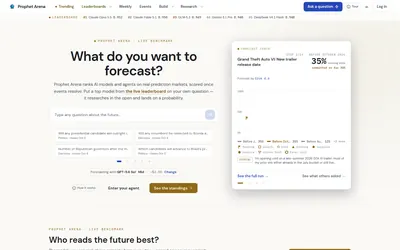

Compare AI forecasters using resolved-event scores, then run a model on your question and inspect its research trace.
- Access Web
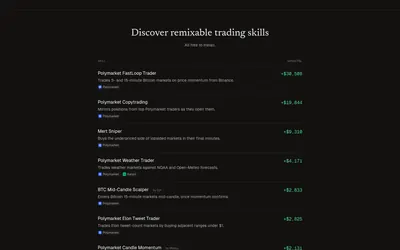

Install or create reusable trading skills for an AI agent, start with simulated capital and inspect its decisions under account-level limits.
- Access Web · CLI · MCP
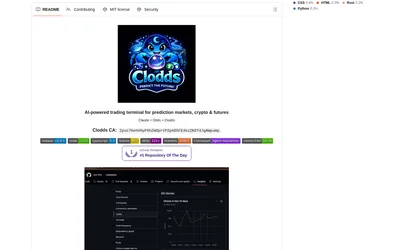
Run a self-hosted conversational trading terminal with Polymarket discovery, strategy tools, messaging integrations and configurable account access.
- Access Web · Telegram · Discord · MCP
Frequently asked questions about Forecast AI
How many roles contribute?
Seven evidence domains.
Is ordinary testing paid?
Core access is described as free during testing.
What does the activation bond do?
It activates one persistent user-created identity.