 Polytoolhub
What is Simmer SDK?
Simmer SDK is a Python harness for agent strategies. It provides a progression from virtual Simmer markets to paper trades priced from real venues and then live execution. The SDK also includes position sizing, alerts, portfolio methods and an optional historical backtest runner.
Who it is for
- Developers building reusable agent skills
- Researchers comparing virtual, real-price paper and live modes
- Teams that need position and risk controls around a strategy
Features and coverage
- Available on
- Python, CLI
- Markets & venues
- Simmer virtual markets, Polymarket, Kalshi
- Market and portfolio methods
Discover markets, inspect positions, read history and query cross-venue portfolio buckets.
- Two paper paths
Use virtual SIM markets or live=False with real-venue prices.
- Historical replay
The backtest extra replays a skill against a frozen tape and reports P&L, hit rate, drawdown, baselines and configuration hash.
- Sizing utilities
Fractional Kelly and expected-value helpers support bounded allocations.
- Orders and monitors
Manage supported orders, stop/take-profit monitors and redemption.
- Skill tooling
Use documented skill bundles and integration resources.
- Read-only constructor
A dedicated readonly client avoids constructor-triggered risk-exit processing.
Workflows with Simmer SDK
Develop before live execution
Start with virtual SIM, then use Polymarket with live=False to account for its spread model. Compare results before configuring a live signer.
Backtest a skill
Run the bundled demo or a bounded historical tape, inspect realism gaps and compare against the reported baselines.
Build a status checker
Use SimmerClient.readonly rather than constructing a live client that can process pending exits.
Pricing and total cost
The SDK is MIT-licensed. Hosted account features and live-venue access follow Simmer’s plans; the README requires Pro for Kalshi and Elite for dedicated per-agent wallets.
Getting started
Before you start: A regular live client constructor can process pending stop-loss or take-profit exits when a signer is configured.
- Install simmer-sdk and obtain the required Simmer API access.
- Choose the venue and live/paper mode explicitly.
- Use a readonly client for validation or status checks.
- Run a bounded paper strategy or the backtest demo.
- Configure venue credentials and approvals separately before live use.
Useful links
What to check
- A regular live client constructor can process pending stop-loss or take-profit exits when a signer is configured.
- Virtual SIM uses an AMM model; real-price paper mode and live books behave differently.
- Historical backtests use trade-tape prices rather than full order books.
- The published tape coverage has a finite end date; inspect the actual available window.
A closer look
Ratings & reviews
User reviews 0
The main score switches to user ratings after 5 published reviews.
A specific example helps the next person choose the right tool.
Write a review
How was your experience with Simmer SDK?
Share what you used, what worked and what could be better. We confirm your email and review the submission before publishing.
To submit a review, email info@polytradingbot.com with the tool name, your rating and your experience. Enable JavaScript to prepare a draft here.
Related tools
Browse category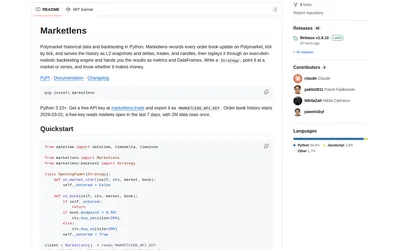

Retrieve historical Polymarket books and run either tick-level execution simulations or faster bar-based signal backtests in Python.
- Language Python
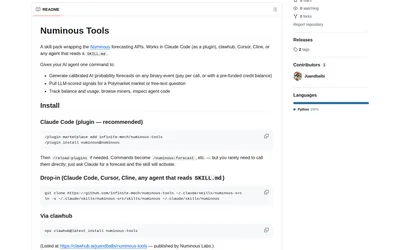
Add Numinous forecasts, sourced market signals and credit-usage checks to a compatible coding or research agent.
- Language Python
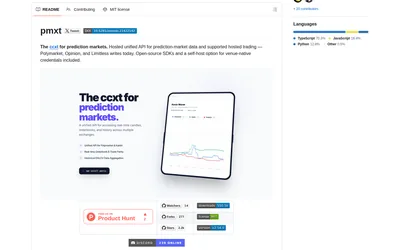

Use Python or TypeScript clients with a common prediction-market interface, targeting hosted PMXT or a locally run backend.
- Language Python · TypeScript
Frequently asked questions about Simmer SDK
Can it simulate Polymarket without a funded wallet?
Yes. Set live=False on the Polymarket venue for simulated trades.
Why use the readonly constructor?
It avoids constructor-time risk-exit processing in status and validation code.
Does the backtest reproduce the full order book?
No. Its historical runner uses trade-tape prices and reports the resulting realism gaps.