 Polytoolhub
What is Sides Bot?
Sides Bot puts the market-opening, order and position workflow in a Telegram chat. Paste an event URL or browse markets, choose an outcome and use either immediate or limit execution. The bot creates a wallet, handles gas and offers deposit routes from multiple chains. Its separate Sides Terminal is still described as in development.
Who it is for
- Users who prefer mobile chat order entry
- Traders moving funds from another network
- Groups sharing and discussing markets in Telegram
Features and coverage
- Available on
- Telegram
- Markets & venues
- Polymarket
- Research topics
- Chat execution, Cross-chain funding
- Event-link entry
Paste a Polymarket URL to open its market in chat.
- Market and limit orders
Choose immediate execution or a target price.
- Automatic wallet setup
Start with the bot-created wallet workflow.
- Cross-chain deposits
Choose among supported networks through the deposit menu.
- Gas handling
The platform covers gas for supported trading operations.
- Position management
Inspect positions, PnL, orders and history.
- Copy command
Use /copy and provide a trader wallet to configure following.
- Group workflow
Add the bot to a group and share market actions.
Workflows with Sides Bot
Open a market from chat
Paste its link, inspect the outcome and current prices, then choose market or limit entry.
Fund the bot
Select the supported deposit network and follow the generated transfer instructions.
Follow a wallet
Inspect its record, use /copy with its address and review the available limits before activation.
Pricing and total cost
No subscription and zero gas costs are advertised. A numerical platform trading-fee schedule is not published on the reviewed bot page; use the bot’s order quote for the actual charge.
Getting started
Before you start: Zero gas does not specify every trading or bridge charge.
- Open the official @sides bot.
- Start the wallet setup.
- Inspect deposit and withdrawal menus.
- Paste an event URL or browse markets.
- Review order size, price and charges before confirmation.
Useful links
What to check
- Zero gas does not specify every trading or bridge charge.
- The provider describes server-side wallet management; this differs from a local signing-key workflow.
- Sides Terminal is coming soon and is not part of the currently documented bot interface.
A closer look
Ratings & reviews
User reviews 0
The main score switches to user ratings after 5 published reviews.
A specific example helps the next person choose the right tool.
Write a review
How was your experience with Sides Bot?
Share what you used, what worked and what could be better. We confirm your email and review the submission before publishing.
To submit a review, email info@polytradingbot.com with the tool name, your rating and your experience. Enable JavaScript to prepare a draft here.
Related tools
Browse category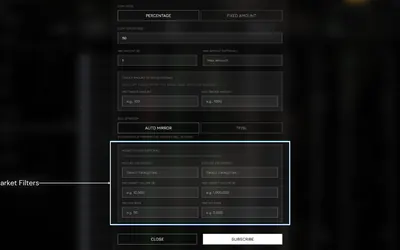

Research wallets and trade through Telegram or the web, with percentage/fixed copying, source-trade filters and distinct copy and Autopilot exit behavior.
- Trading mode Manual · Live automation
- Access Web · Telegram
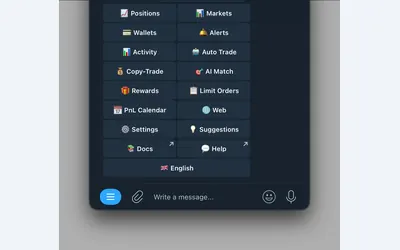

Manage wallet copying, alerts and automated strategies from Telegram or a connected web terminal.
- Trading mode Manual · Live automation
- Access Web · Telegram
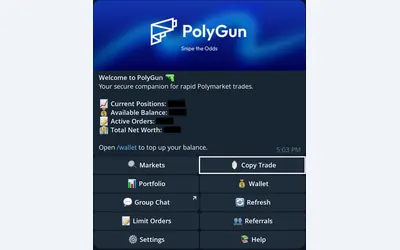

Trade Polymarket in Telegram, copy wallets with three sizing modes, manage TP/SL and automate crypto entries with AutoPilot.
- Trading mode Manual · Live automation
- Access Telegram
Frequently asked questions about Sides Bot
Are limit orders supported?
Yes.
Can I see PnL in Telegram?
Yes, alongside positions and history.
How do I start copying?
The documented entry point is /copy followed by a trader’s wallet.
Is the desktop terminal live?
The provider labels it coming soon.