 Polytoolhub
What is Polyrama?
Polyrama combines a two-venue market browser with public-wallet research. Its main page separates hot markets, large daily gainers and losers, and several different trader rankings. This helps answer whether you are looking for a large account, a highly active trader or a profitable period. Trading and strategy execution are explicitly disabled in the current product.
Who it is for
- Researchers comparing activity across two prediction venues
- Users who want separate wallet rankings by purpose
- Developers exploring the product’s data and MCP surfaces
Features and coverage
- Available on
- Web, API, MCP
- Markets & venues
- Polymarket, Kalshi
- Research topics
- Market movers, Trader rankings
- Two-venue market discovery
Browse questions from Polymarket and Kalshi with a visible venue label.
- Hot-market overview
Inspect active questions and the 24-hour activity attached to them.
- Daily movers
Compare the biggest increases and declines in outcome probability.
- Public-wallet research
Open trader-oriented views for further investigation.
- Several ranking lenses
Distinguish daily winners and losers, large wallets, all-time earners, active traders and volume leaders.
- Whale and mispricing research
Use the product’s signal-oriented data surfaces as research inputs.
- API and MCP entry points
Consult the documented integration surfaces for programmatic data access.
Workflows with Polyrama
Investigate a probability move
Start with the daily-gainer or loser list, open the event and inspect its question and venue before comparing the change with news.
Choose the right ranking
Use activity or volume for trade-flow research, and the corresponding PnL period when researching results. A large wallet ranking answers a different question.
Compare venue context
Keep the source venue attached to every question and read each contract’s rules before treating similar titles as equivalent.
Pricing and total cost
Public market and ranking previews are accessible on the site. The reviewed main page does not publish a complete paid-plan or API usage schedule.
Getting started
Before you start: Trading and strategy execution are disabled; this is a data and research product.
- Open Markets and identify the source venue.
- Use hot markets or daily movers to narrow the research.
- Inspect the selected contract and relevant public wallets.
- Choose the leaderboard metric and period that match your question.
- Read the integration documentation for API or MCP access.
Useful links
What to check
- Trading and strategy execution are disabled; this is a data and research product.
- Rankings differ by metric and time window, so they are not interchangeable performance measures.
- Cross-venue titles can be similar while their settlement conditions differ.
A closer look
Ratings & reviews
User reviews 0
The main score switches to user ratings after 5 published reviews.
A specific example helps the next person choose the right tool.
Write a review
How was your experience with Polyrama?
Share what you used, what worked and what could be better. We confirm your email and review the submission before publishing.
To submit a review, email info@polytradingbot.com with the tool name, your rating and your experience. Enable JavaScript to prepare a draft here.
Related tools
Browse category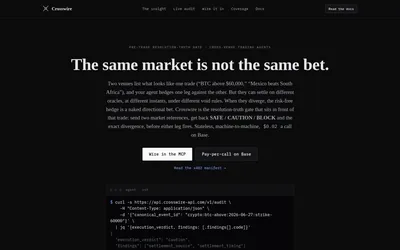

Check whether Polymarket and Kalshi contracts settle the same way before comparing their prices.
- Data coverage Resolution evidence · Cross-venue matches
- Access API · MCP
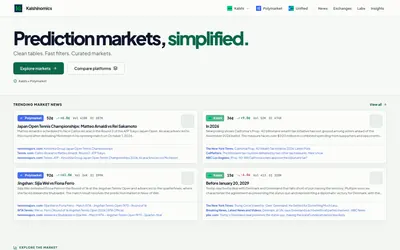

Browse Kalshi and Polymarket tables, compare venue coverage and explore focused dashboards and market research.
- Access Web
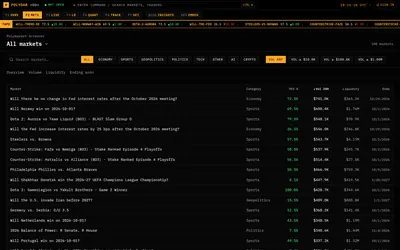
Monitor Polymarket with a terminal-style market screener, public trader rankings, large-trade feed and activity breakdowns.
- Access Web
Frequently asked questions about Polyrama
Can I trade through Polyrama?
The product explicitly says trading and strategy execution are disabled.
Which venues are displayed?
Polymarket and Kalshi.
Can I distinguish active traders from profitable ones?
The main page provides separate rankings for activity, volume and different PnL windows.
Is there a developer entry point?
Yes. The navigation includes API, MCP and documentation.