 Polytoolhub
What is Polydar?
Polydar places market discovery and public-wallet activity in a dense monitoring workspace. The overview combines high-volume questions, active traders, large transactions and category-level activity. A command/search field helps move between markets and wallets, while separate market and live-feed pages provide a more focused view. It is most useful as a starting point for investigation across several signals.
Who it is for
- Users monitoring many markets at once
- Researchers moving between an event and the traders active in it
- Traders who prefer compact tables and keyboard-oriented navigation
Features and coverage
- Available on
- Web
- Markets & venues
- Polymarket
- Research topics
- Market monitoring, Wallet activity
- Market overview
Compare questions by outcome probability, 24-hour volume and liquidity.
- Active-trader rankings
See the public accounts featured in the current trader view.
- Large-trade feed
Inspect the dedicated view for trades above the displayed $5,000 threshold.
- Activity summaries
Review recent trading activity and the distribution of volume by category.
- Command search
Use the search field or Ctrl+K entry point to find markets and traders.
- Focused pages
Open separate market, live, quant and tracking areas from the terminal navigation.
- Market-move articles
Read the site’s explanatory insights and check the contract date behind each item.
Workflows with Polydar
Find an active question
Scan the top-volume table, compare liquidity and open the question that matches your research topic.
Connect a trade with its context
Choose a large transaction from the live area, inspect the market and follow the public trader record.
Build a monitoring view
Use the overview for breadth, then keep the focused market or activity page open for the specific question.
Pricing and total cost
The overview, market tables and public navigation are accessible without signing in. A complete paid-plan schedule is not published on the reviewed entry page.
Getting started
Before you start: The overview states a 30-second refresh cycle; it is not the same as an execution quote.
- Open Overview and scan the market and trader tables.
- Use Ctrl+K or the search field for a known wallet or market.
- Open Markets for a focused list or Live for activity.
- Read the relevant market’s complete question and liquidity context.
- Use account-dependent tracking features after sign-in if needed.
Useful links
What to check
- The overview states a 30-second refresh cycle; it is not the same as an execution quote.
- The large-trade surface is thresholded and does not represent every market fill.
- Insights can refer to older contracts; inspect the event date rather than relying on the relative-age badge.
A closer look
Ratings & reviews
User reviews 0
The main score switches to user ratings after 5 published reviews.
A specific example helps the next person choose the right tool.
Write a review
How was your experience with Polydar?
Share what you used, what worked and what could be better. We confirm your email and review the submission before publishing.
To submit a review, email info@polytradingbot.com with the tool name, your rating and your experience. Enable JavaScript to prepare a draft here.
Related tools
Browse category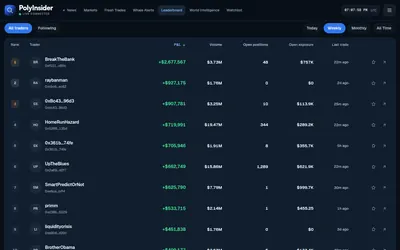

Follow large Polymarket buys, first-time wallet activity and market-linked news in a live research dashboard.
- Access Web
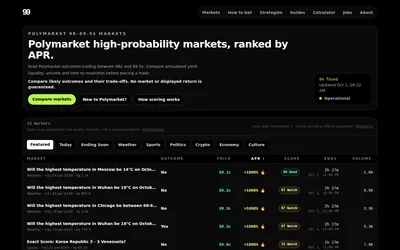

Find Polymarket outcomes priced at 98–99.5¢ and compare remaining payout, annualized return, liquidity and time to resolution.
- Access Web
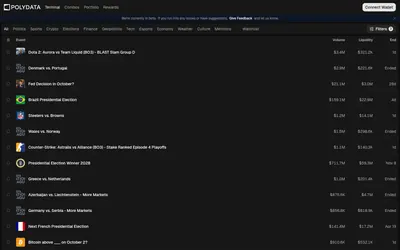

Research Polymarket wallets, discover active markets and move from portfolio analytics into a focused trading terminal.
- Trading mode Manual
- Access Web
Frequently asked questions about Polydar
Can I use it without signing in?
The public overview and market tables are visible without an account.
What does the large-trade feed select?
The overview labels it as trades above $5,000.
Is there a keyboard search?
The terminal exposes Ctrl+K for market and trader search.
Does a high-volume market necessarily have a deep book?
Volume and liquidity are displayed separately; inspect both for the selected market.