 Polytoolhub
What is WinWeatherBot?
WinWeatherBot is desktop software for Polymarket temperature markets. It maps a contract to its station, time and threshold, compares modeled probability with the order book and applies the configured entry and exposure rules. Manual research, automated execution and continuous Windows/VPS operation are separate ways to use the same engine.
Who it is for
- Weather researchers comparing forecasts with contract thresholds
- Windows users running a defined automation
- Traders limiting correlated city exposure
Features and coverage
- Available on
- Windows, Windows VPS
- Markets & venues
- Polymarket
- Contract mapping
Identify the resolution station, time and threshold.
- Weather inputs
The provider lists GFS, ECMWF, ICON and NOAA inputs.
- Edge calculation
Compare estimated probability with the live book midprice.
- Exposure caps
Limit city, region and direction concentration.
- Volatility breaker
Halt new entries above the configured ensemble-spread condition.
- Drawdown stop
Set the loss threshold that pauses the strategy.
- Local credentials
The provider describes storage through Windows Keyring.
- Continuous operation
Run on a Windows machine or compatible VPS.
- Multiple modes
Use manual analysis, a scanner or automated entry.
Workflows with WinWeatherBot
Research a city
Verify the station and contract threshold before comparing the ensemble estimate.
Configure automation
Set minimum edge, sizing, correlated-exposure limits and drawdown behavior.
Review a stopped bot
Identify whether weather disagreement, exposure or drawdown blocked new entries.
Pricing and total cost
Monthly, quarterly, six-month and annual licenses are listed. The monthly card specifies one device; longer plans list up to three. Exact amounts require the current pricing interface.
Monthly
$59/month
- One device
- 138 NWP runs across four ensemble models
- Email support
Quarterly
$49/month equivalent, quarterly billing
- Up to three devices
- 138 NWP runs across four ensemble models
- Email support
Six months
$44/month equivalent, six-month billing
- Up to three devices
- 138 NWP runs across four ensemble models
- Email support
Annual
$39/month equivalent, annual billing
- Up to three devices
- 138 NWP runs across four ensemble models
- Email support
Getting started
Before you start: The public globe signal preview is explicitly mock data.
- Choose the official Windows download and license.
- Read the methodology and station mapping.
- Configure local credentials.
- Set edge and exposure rules.
- Inspect manual signals before enabling automation.
- Keep the chosen host running for continuous operation.
Useful links
What to check
- The public globe signal preview is explicitly mock data.
- The site inconsistently describes its 138 inputs as members, runs and deterministic forecasts; the four named model families are clearer than that headline count.
- A running Windows host is required for local continuous operation.
- The monthly device allowance differs from longer plans.
A closer look
Ratings & reviews
User reviews 0
The main score switches to user ratings after 5 published reviews.
A specific example helps the next person choose the right tool.
Write a review
How was your experience with WinWeatherBot?
Share what you used, what worked and what could be better. We confirm your email and review the submission before publishing.
To submit a review, email info@polytradingbot.com with the tool name, your rating and your experience. Enable JavaScript to prepare a draft here.
Related tools
Browse category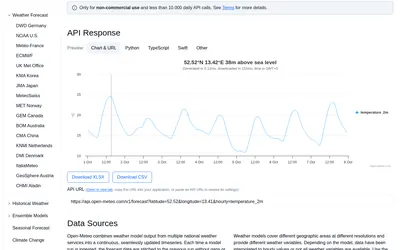

Retrieve weather forecasts, model comparisons and historical forecast runs for research around weather-linked prediction markets.
- Access API
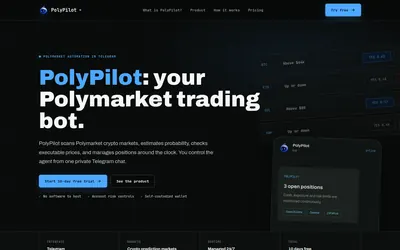

Run a managed crypto-market trading agent from Telegram, with account exposure limits, position monitoring and a subscription based on open-position value.
- Trading mode Live automation
- Access Telegram
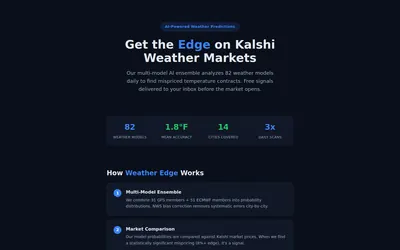
Read a weather-ensemble methodology and receive temperature-market signals based on model probability versus Kalshi prices.
- Access Web · Email
Frequently asked questions about WinWeatherBot
Is this a Telegram bot?
No, its main product is Windows desktop software.
Can it run on a VPS?
The provider advertises that workflow.
Can I limit correlated cities?
Yes, city and region caps are described.