 Polytoolhub
What is PolyTraderPro?
PolyTraderPro is a desktop alternative to the venue’s browser interface. It combines account switching, market navigation, position management and trading history with controls aimed at active order-book use. Its price alert is specifically described as detecting liquidity added at or below a chosen price, while maker-fill alerts report execution across the connected accounts.
Who it is for
- Active traders who manage several wallets
- Users monitoring maker orders and available liquidity
- Traders who prefer multiple desktop windows and explicit confirmation thresholds
Features and coverage
- Available on
- Windows, macOS, Linux
- Markets & venues
- Polymarket
- Research topics
- Desktop execution, Maker orders
- Multiple accounts
Connect supported email-created, MetaMask or external-wallet accounts and switch between them.
- Market navigation
Browse and monitor questions in the desktop interface.
- Order and position management
Place orders and inspect current positions and updates.
- Trading history
Review activity across the account or within one market.
- Split and merge
Create or combine complete outcome sets through the supported token actions.
- Negative-risk conversion
Convert No shares within supported mutually exclusive market structures.
- Liquidity-price alerts
Choose a price level and notification sound for qualifying added liquidity.
- Maker-fill alerts
See filled maker orders and triggered alerts across added wallets.
- Anti-misclick controls
Set a confirmation threshold by dollar amount or percentage of bankroll.
- Multiple windows
Use more than one tab or window for the monitoring layout.
Workflows with PolyTraderPro
Monitor a resting order
Choose the market, enable maker-fill notifications and keep the relevant account and position view visible.
Wait for useful liquidity
Configure the price threshold and sound, then inspect the book when the alert fires instead of assuming the quote remains available.
Manage several accounts
Label and connect the intended wallets, check the active account before order entry and use the confirmation threshold for larger orders.
Pricing and total cost
The site distributes desktop downloads and says licenses are purchased by contacting support. A public license price is not displayed; automated purchasing is listed as coming soon.
Getting started
Before you start: An existing Polymarket account is required.
- Choose the official download for Windows, macOS or Linux.
- Contact support for the current license terms.
- Connect an existing supported Polymarket account.
- Verify which wallet is active before trading.
- Configure liquidity and maker-fill alerts.
- Set the dollar or bankroll-percentage threshold for confirmation prompts.
Useful links
What to check
- An existing Polymarket account is required.
- The liquidity alert is about qualifying book liquidity, which is different from a last-trade price alert.
- Negative-risk conversion applies only to the appropriate mutually exclusive market structure.
- The advertised speed improvement is a provider claim, not a measured comparison for every order.
A closer look
Ratings & reviews
User reviews 0
The main score switches to user ratings after 5 published reviews.
A specific example helps the next person choose the right tool.
Write a review
How was your experience with PolyTraderPro?
Share what you used, what worked and what could be better. We confirm your email and review the submission before publishing.
To submit a review, email info@polytradingbot.com with the tool name, your rating and your experience. Enable JavaScript to prepare a draft here.
Related tools
Browse category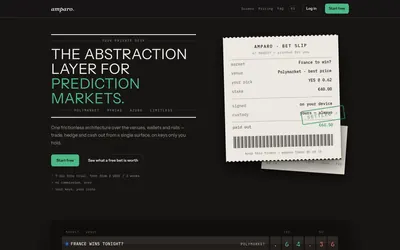

Compare supported prediction venues in one terminal, with local signing, bank-to-crypto funding workflows and modular software access.
- Trading mode Manual
- Access Web
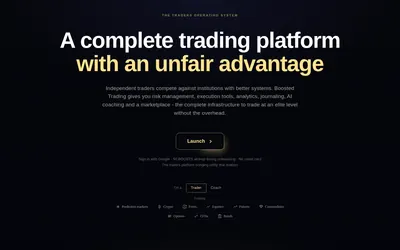

Trade Polymarket with configurable order-book panels, automatic journaling and risk rules that can block new buys after a limit is reached.
- Trading mode Manual
- Access Web
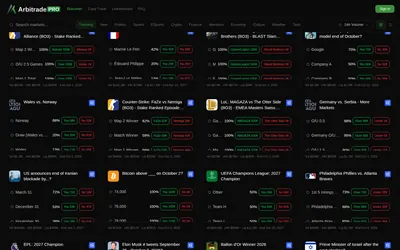

Browse Polymarket events, copy traders and configure six position-management automations, including trailing stops and break-even exits.
- Trading mode Manual · Live automation
- Access Web
Frequently asked questions about PolyTraderPro
Which operating systems are supported?
Windows, macOS and Linux.
Can I manage more than one wallet?
Yes. Multi-account management is a core feature.
What triggers the price alert?
The product describes liquidity appearing at or below a specified price.
How do I buy a license?
The site directs users to support while automated purchasing is still coming soon.