 Polytoolhub
What is PolySpotter?
PolySpotter organizes selected public trades into a feed of notable activity. It combines trade size with wallet history, timing, price impact and flow patterns, then groups related alerts under an event or a cross-market thesis. The useful unit is more than one large print: you can inspect the wallet, the event and how several positions fit together.
Who it is for
- Researchers investigating unusual public trade activity
- Users who want event-level grouping rather than isolated alerts
- Readers who prefer a daily email brief of selected activity
Features and coverage
- Available on
- Web, Email
- Markets & venues
- Polymarket
- Research topics
- Notable trades, Cross-market positions
- Notable-trade feed
Inspect the wallet, outcome, execution price, size and time attached to an alert.
- Multi-factor selection
The documented detection approach considers large trades, wallet records, new-wallet activity, timing and flow patterns.
- Event hubs
Group signals from multiple constituent markets under one broader event.
- Cross-market positioning
Inspect a wallet’s related positions and the combined amount tracked across questions.
- Wallet pages
Follow a public address from an alert into its accumulated signal record.
- Category and topic filters
Narrow activity by sports, politics, crypto, geopolitics and more specific tags.
- Daily brief
Receive a curated email summary and open the underlying research.
- Published call record
Inspect the site’s graded-call simulation with its stated fixed-stake basis.
Workflows with PolySpotter
Investigate a large position
Open the alert, inspect the wallet and compare the execution price with the event’s current state.
Check whether signals overlap
Use the event hub to see whether several entries represent different markets or repeated activity in the same question.
Read a cross-market thesis
Inspect the listed legs and total exposure, then read each contract’s rules before interpreting them as one directional view.
Pricing and total cost
The public feed, event and wallet research, and daily-brief signup are accessible on the website. A separate paid subscription schedule is not listed on the public page.
Getting started
Before you start: The product describes $3,000-plus trades as one selection criterion, but the feed also contains smaller trades selected by other signals.
- Open the feed and choose the topic you follow.
- Inspect a notable trade’s wallet, price, size and time.
- Open the event hub for grouped signals.
- Use the wallet page for additional context.
- Subscribe to the daily brief if you want a recurring summary.
Useful links
What to check
- The product describes $3,000-plus trades as one selection criterion, but the feed also contains smaller trades selected by other signals.
- Coordinated or unusual flow labels describe statistical patterns and do not establish who controls a wallet or what information they possess.
- The track-record illustration uses a hypothetical fixed stake per graded call, not a particular user’s account returns.
A closer look
Ratings & reviews
User reviews 0
The main score switches to user ratings after 5 published reviews.
A specific example helps the next person choose the right tool.
Write a review
How was your experience with PolySpotter?
Share what you used, what worked and what could be better. We confirm your email and review the submission before publishing.
To submit a review, email info@polytradingbot.com with the tool name, your rating and your experience. Enable JavaScript to prepare a draft here.
Related tools
Browse category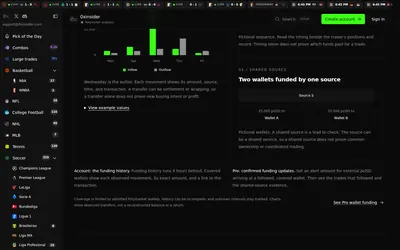

Compare Polymarket sports prices with profitable-wallet positions, inspect trader grades and track large trades through a dashboard or API.
- Access Web · API · MCP
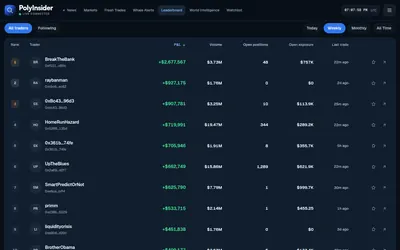

Follow large Polymarket buys, first-time wallet activity and market-linked news in a live research dashboard.
- Access Web
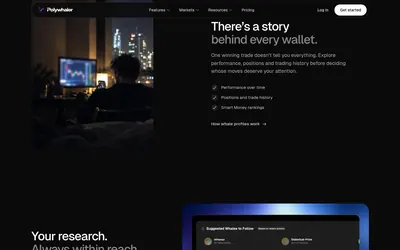

Research whale activity, build wallet alerts and test copying in Orca, with a separate API plan for historical data, webhooks and exports.
- Access Web · Telegram · Discord · API · iOS
Frequently asked questions about PolySpotter
Are all alerts above $3,000?
No. Size is one criterion; the public feed also shows smaller trades flagged for other reasons.
What is an event hub?
A grouped view of signals from related markets within the same event.
Can I follow an alert back to a wallet?
Yes. Public wallet pages are linked from the research.
Does it provide a daily digest?
Yes. The Daily Brief is available by email.