 Polytoolhub
What is Election Betting Odds?
Election Betting Odds gathers election-market prices into a public overview of races, nominations and chamber control. The headline view is designed for fast reading, while candidate detail panels show the source markets, bid–ask ranges and traded amounts. Charts and change windows help distinguish a current level from a recent move.
Who it is for
- Readers following election probabilities across exchanges
- Researchers checking differences between venues
- Users who want state maps and historical probability charts
Features and coverage
- Available on
- Web
- Markets & venues
- Polymarket, Kalshi, PredictIt, Betfair, Smarkets
- Research topics
- Elections, Cross-venue probabilities
- Cross-venue race summaries
Compare election outcomes using several prediction-market sources.
- Venue breakdowns
Inspect each source’s bid–ask range and recorded amount bet.
- Recent-change windows
Read movement over the displayed four-hour, daily and weekly periods.
- Historical charts
Open a race’s chart to examine the path of its probability.
- State-level maps
Inspect state races and the implied composition of a chamber.
- Nomination and general-election views
Keep candidate nomination questions separate from winning the eventual election.
- Track-record section
Review the site’s historical prediction coverage and methodology context.
Workflows with Election Betting Odds
Check a headline probability
Open the candidate’s details and inspect the venue ranges behind the summary. A wide range on one source deserves different weight from a tight liquid quote.
Review a race’s movement
Compare the short change windows, then open the chart to see whether the move is part of a longer trend.
Compare state and national views
Use the map for individual state races and the chamber-control panel for the different aggregate question.
Pricing and total cost
The probability overview, source breakdowns, maps and charts are publicly accessible without an account or listed subscription.
Getting started
Before you start: The site states a one-minute update cycle for headline odds and a separate 20-minute cycle for state-election odds.
- Choose the election, nomination or chamber-control view.
- Open or hover the candidate’s detail panel.
- Inspect venue ranges and the amounts traded.
- Use Charts to review the historical path.
- Check the map’s own update time when using state-level data.
Useful links
What to check
- The site states a one-minute update cycle for headline odds and a separate 20-minute cycle for state-election odds.
- A nomination market and an election-winner market resolve different questions.
- A bid–ask range describes available sides of a market; the summary probability is not an executable quote for every trade size.
A closer look
Ratings & reviews
User reviews 0
The main score switches to user ratings after 5 published reviews.
A specific example helps the next person choose the right tool.
Write a review
How was your experience with Election Betting Odds?
Share what you used, what worked and what could be better. We confirm your email and review the submission before publishing.
To submit a review, email info@polytradingbot.com with the tool name, your rating and your experience. Enable JavaScript to prepare a draft here.
Related tools
Browse category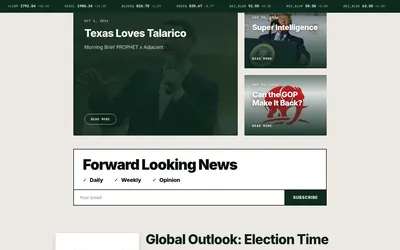

Follow event-contract benchmarks, thematic indices, reference rates and news organized around prediction-market moves.
- Access Web · API · Email
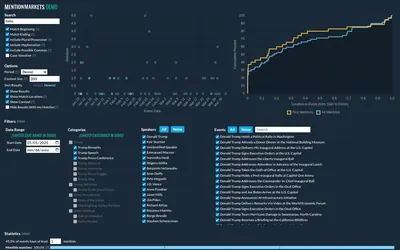

Search transcripts for a market’s keywords and inspect every match in context.
- Access Web
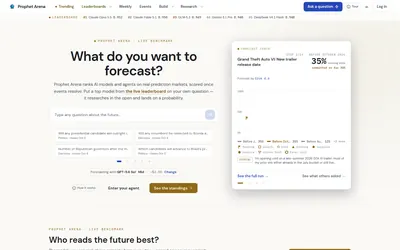

Compare AI forecasters using resolved-event scores, then run a model on your question and inspect its research trace.
- Access Web
Frequently asked questions about Election Betting Odds
Which exchanges are included?
The main page identifies Betfair, Smarkets, PredictIt, Polymarket and Kalshi.
Can I see the sources behind a candidate’s probability?
Yes. The detail panel provides venue ranges and traded amounts.
Do state maps update as often as headline odds?
No. The site lists a separate, slower update cycle for state markets.
Does it provide history?
Yes. Race charts and a track-record section are available.