 Polytoolhub
What is ARBITER?
ARBITER combines discovery, historical data and live updates under one API key. Its common price scale and timestamps reduce the work of joining two venue feeds, while historical books, candles and wallet endpoints support research beyond a current-price widget.
Who it is for
- Developers integrating Polymarket and Kalshi
- Researchers comparing matched contracts across venues
- Teams building wallet analytics or historical charts
Features and coverage
- Available on
- REST API, WebSocket, TypeScript
- Markets & venues
- Polymarket, Kalshi
- Unified discovery
Search markets and events across both venues.
- Normalized fields
Prices use a 0–1 probability scale and timestamps use Unix milliseconds.
- Historical data
Query trades, order-book snapshots and OHLCV candles from one-minute to daily intervals.
- Point-in-time queries
Use supported at_time reads for historical prices.
- Wallet analytics
Read positions, activity, trades and P&L through dedicated endpoints.
- Cross-platform matches
Find potentially corresponding events before comparing their prices.
- Live updates
Stream supported trades, prices and book changes over WebSocket.
Workflows with ARBITER
Compare a matched event
Discover its cross-platform match, inspect both contract definitions and compare prices on the same scale. Add depth and venue fees before calculating an executable spread.
Build a historical view
Retrieve the market, choose an interval and page through the required trade or candle range. Use book snapshots when the task depends on liquidity.
Research a wallet
Read its positions and activity, then link each entry back to the underlying market.
Pricing and total cost
An account and API key are required. A numerical subscription price is not published on the product and introduction pages; check the account plan before a large ingestion job.
Getting started
Before you start: The introduction labels the Python SDK as coming soon even though Python examples appear elsewhere; direct HTTP provides a clear integration path.
- Create an account and API key.
- Send X-API-Key with a small markets request.
- Preserve venue identifiers alongside normalized IDs.
- Choose REST history or WebSocket updates for the task.
- Use the TypeScript SDK or direct HTTP against the documented endpoints.
Useful links
What to check
- The introduction labels the Python SDK as coming soon even though Python examples appear elsewhere; direct HTTP provides a clear integration path.
- A cross-platform match still needs compatible settlement rules and deadlines.
- Historical coverage must be checked for the specific market and interval.
A closer look
Ratings & reviews
User reviews 0
The main score switches to user ratings after 5 published reviews.
A specific example helps the next person choose the right tool.
Write a review
How was your experience with ARBITER?
Share what you used, what worked and what could be better. We confirm your email and review the submission before publishing.
To submit a review, email info@polytradingbot.com with the tool name, your rating and your experience. Enable JavaScript to prepare a draft here.
Related tools
Browse category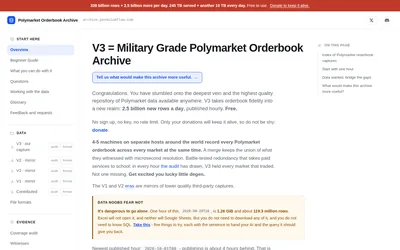

Download free Polymarket order-book captures with hourly Parquet files, schema notes, checksums and coverage audits.
- Access Parquet, DuckDB, Python
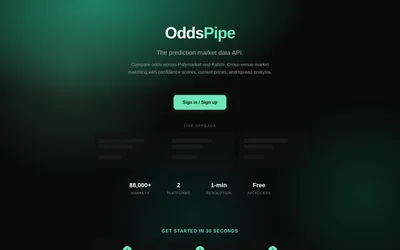

Find matched Polymarket and Kalshi contracts, filter match confidence and query price differences through REST or Python.
- Data coverage Markets · Prices · Cross-venue matches
- Access API
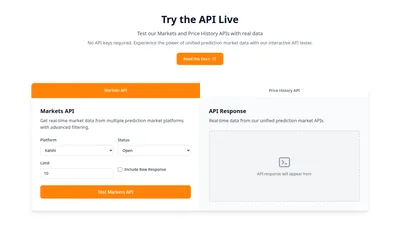

Build with one API for markets, order books, price history and sports data across seven venues.
- Data coverage Markets · Events · Order books · Trades · Prices · Sports events
- Access API · MCP
Frequently asked questions about ARBITER
Which venues does it cover?
The documented integration covers Polymarket and Kalshi.
How are prices represented?
As probabilities between zero and one.
Can it return more than candles?
Yes. The reference includes trades and historical order-book snapshots.
Does an API match establish identical contracts?
Inspect the original rules and resolution conditions before comparing an executable trade.