 Polytoolhub
What is WhaleWatch?
WhaleWatch organizes whale activity into a trade stream, top-wallet lists and hot-market views. The public feed is explicitly delayed by 15 minutes. It is useful for studying who traded what and for discovering concentrated activity, with direct research links providing the next step.
Who it is for
- Users looking for a simple public whale feed
- Researchers comparing buying and selling pressure
- Readers who prefer a daily activity digest
Features and coverage
- Available on
- Web, Email
- Markets & venues
- Polymarket
- Research topics
- Whale activity, Market discovery
- Trade stream
See market, side, transaction size and wallet context.
- Buy/sell filter
Separate entries and exits in the visible feed.
- Size thresholds
Choose $10k, $25k, $50k, $100k or $500k views.
- Topic filters
Focus on the relevant market category.
- Top whales
Browse wallet activity rankings.
- Hot markets
Find events attracting concentrated attention.
- Activity statistics
Review dollar volume and trade counts.
- Research links
Open underlying markets and wallet profiles.
- Email digest
Follow the daily summary through the site’s subscription option.
Workflows with WhaleWatch
Investigate a spike
Choose a threshold and topic, then compare repeated trades across wallets.
Check both sides
Use buy and sell views before interpreting a headline-sized order.
Build a research list
Open hot markets and record the rules and current liquidity for further analysis.
Pricing and total cost
The public feed is accessible without payment. A Pro entry is visible, but a complete price and entitlement table was not available in the reviewed public page.
Getting started
Before you start: The public feed is 15 minutes behind.
- Open the public dashboard.
- Read the displayed feed delay.
- Set side, size and topic filters.
- Open a wallet or market of interest.
- Compare current quotes with the historical trade.
- Use the digest if a daily summary fits your workflow.
Useful links
What to check
- The public feed is 15 minutes behind.
- A large trade can hedge another position and does not reveal the wallet’s complete strategy.
- Dollar volume and number of trades measure different aspects of activity.
- No automatic execution workflow is documented on the public screen.
A closer look
Ratings & reviews
User reviews 0
The main score switches to user ratings after 5 published reviews.
A specific example helps the next person choose the right tool.
Write a review
How was your experience with WhaleWatch?
Share what you used, what worked and what could be better. We confirm your email and review the submission before publishing.
To submit a review, email info@polytradingbot.com with the tool name, your rating and your experience. Enable JavaScript to prepare a draft here.
Related tools
Browse category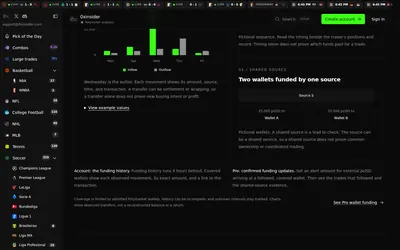

Compare Polymarket sports prices with profitable-wallet positions, inspect trader grades and track large trades through a dashboard or API.
- Access Web · API · MCP
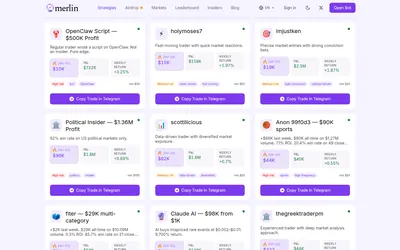

Find traders by market specialty and recent performance, then review their copy setup in Telegram.
- Access Web · Telegram
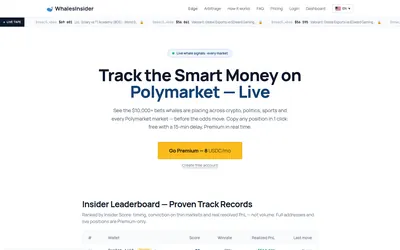

Track large Polymarket trades, filter wallets and compare selected cross-venue gaps from a live feed and arbitrage workspace.
- Access Web
Frequently asked questions about WhaleWatch
Is the public feed real time?
It is labeled with a 15-minute delay.
Can I separate buys from sells?
Yes.
What is the largest visible threshold?
$500,000.
Can I open the market behind a trade?
The interface provides market and wallet research links.