 Polytoolhub
What is Whalefax?
Whalefax focuses on how a performance number is built. It matches fills, handles cents-versus-dollars input, includes settled losing positions and exposes the reconstructed result through charts and tables. CSV processing is described as local to the browser; public wallet lookup and the whale leaderboard are separate paths.
Who it is for
- Traders reconciling fills with displayed PnL
- Researchers comparing public-wallet records
- Users preparing structured transaction exports
Features and coverage
- Available on
- Web, CSV
- Markets & venues
- Polymarket
- Research topics
- PnL reconstruction, Fill reconciliation
- CSV import
Load trade exports and detect common column layouts.
- Public-wallet lookup
Start from a Polymarket username.
- Unit normalization
Convert cent-denominated price columns where detected.
- FIFO matching
Reconstruct realized results by matching exits against earlier entries.
- Settlement coverage
Include losing contracts that settled at zero.
- Performance charts
Review cumulative and monthly results.
- Fee treatment
Inspect trading costs alongside gross outcomes.
- Accounting export
Generate transaction rows, including a Form 8949-style layout.
- Whale leaderboard
Browse a public ranking without importing a personal file.
Workflows with Whalefax
Reconcile an export
Import the CSV, verify detected columns and units, then inspect a few matched trades against the original records.
Audit a win rate
Include settled losers and compare realized results with any open-position mark.
Prepare an export
Review matching and cost basis before handing structured rows to an accounting workflow.
Pricing and total cost
The public analysis and leaderboard are accessible without a listed subscription. No separate paid-plan table was visible in the reviewed interface.
Getting started
Before you start: FIFO is a reconstruction method; it may differ from another platform’s display or the method used in your accounts.
- Choose CSV analysis or username lookup.
- For CSV, confirm timestamp, side, price and quantity mapping.
- Check whether prices are cents or dollars.
- Inspect a sample of matched fills and settlements.
- Review fees and open positions separately.
- Export the required rows.
Useful links
What to check
- FIFO is a reconstruction method; it may differ from another platform’s display or the method used in your accounts.
- Missing fills or transfers can change reconstructed cost basis.
- An accounting-shaped export still requires review of its underlying rows.
- A leaderboard is not the same dataset as a personal CSV import.
A closer look
Ratings & reviews
User reviews 0
The main score switches to user ratings after 5 published reviews.
A specific example helps the next person choose the right tool.
Write a review
How was your experience with Whalefax?
Share what you used, what worked and what could be better. We confirm your email and review the submission before publishing.
To submit a review, email info@polytradingbot.com with the tool name, your rating and your experience. Enable JavaScript to prepare a draft here.
Related tools
Browse category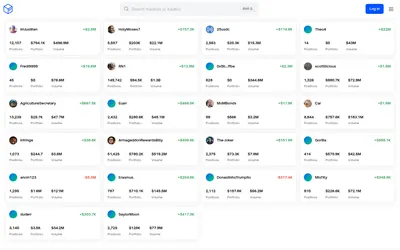

See a trader’s positions and P&L, compare portfolios and export a yearly wallet report.
- Access Web
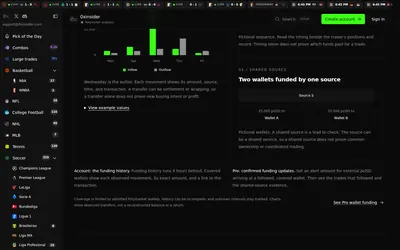

Compare Polymarket sports prices with profitable-wallet positions, inspect trader grades and track large trades through a dashboard or API.
- Access Web · API · MCP
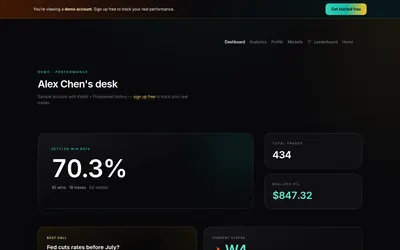

Analyze your prediction-market fills, compare performance by category and publish a selected trading record or subscriber-only forecaster desk.
- Access Web
Frequently asked questions about Whalefax
Do I need to upload a private file to use the public ranking?
No.
How are exits matched?
The tool describes FIFO matching.
Why can win rate differ from another dashboard?
Settlement handling and the included trade set can differ.
Can I inspect monthly results?
Yes, alongside the cumulative performance view.