 Polytoolhub
What is PredictMirror?
PredictMirror adds a paper-trading panel next to Polymarket event pages. You select an outcome and amount, create a simulated position and monitor its changing value while continuing to browse the venue normally. The product stores the practice portfolio in the browser and does not require an account or a real-wallet connection.
Who it is for
- New users learning how outcome prices affect PnL
- Traders testing discretionary entries with virtual capital
- Users who want practice history stored locally
Features and coverage
- Available on
- Chrome extension, Chromium browsers
- Markets & venues
- Polymarket
- Research topics
- Practice trading, Local portfolio
- In-page paper panel
Open the simulator beside a Polymarket event.
- Virtual bankroll
Start with $1,000 and reset the balance for a new experiment.
- Live-price simulation
Use current book prices with the product’s modeled slippage.
- Position monitoring
Track changing paper PnL with portfolio sparklines and detailed charts.
- Fill history
Inspect the simulated entries and exits behind a position.
- Open and closed views
Separate active exposure from realized practice results.
- Performance indicators
Review win rate and streak measures across the practice record.
- Local storage
Keep the portfolio in the browser without creating a remote account.
Workflows with PredictMirror
Practice an event trade
Open the market, choose the intended side and amount in PredictMirror and record the simulated position. Follow its PnL as the market changes.
Compare two approaches
Use a consistent virtual bankroll and keep the assumptions about sizing and exits comparable; reset only when beginning a separate experiment.
Review completed practice
Filter closed positions and inspect fill history to see which entries and exits produced the result.
Pricing and total cost
The website advertises free access with no account requirement.
Getting started
Before you start: The advertised current venue is Polymarket; Kalshi and Manifold are marked as coming soon.
- Follow the official Add to Chrome link.
- Open a supported Polymarket event page.
- Check the virtual balance shown in the PredictMirror panel.
- Choose the outcome and amount, then submit a paper trade.
- Review open positions and fill history.
- Keep the browser profile’s local data if you want to retain the practice record.
Useful links
What to check
- The advertised current venue is Polymarket; Kalshi and Manifold are marked as coming soon.
- Simulation uses a modeled fill process and does not send an exchange order.
- Clearing the browser’s local extension data can remove the locally stored record.
- Resetting the bankroll starts a new practice comparison and should not be confused with realized performance.
A closer look
Ratings & reviews
User reviews 0
The main score switches to user ratings after 5 published reviews.
A specific example helps the next person choose the right tool.
Write a review
How was your experience with PredictMirror?
Share what you used, what worked and what could be better. We confirm your email and review the submission before publishing.
To submit a review, email info@polytradingbot.com with the tool name, your rating and your experience. Enable JavaScript to prepare a draft here.
Related tools
Browse category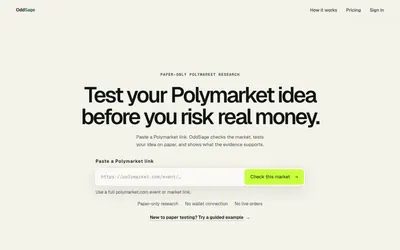

Turn a Polymarket idea into an editable rule, run a paper test and inspect observations, modeled costs and checkpoint results.
- Trading mode Paper
- Access Web
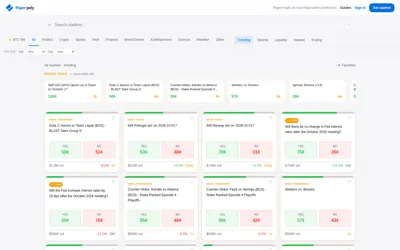

Practice with a $1,000 virtual bankroll and use a journal to review your decisions.
- Trading mode Paper
- Access Web · MCP
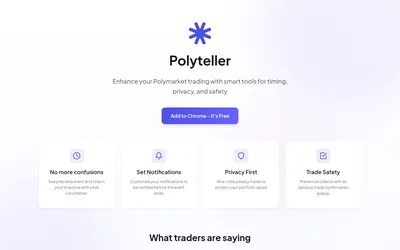

Add local-time countdowns, reminders and portfolio privacy controls to Polymarket.
- Access Browser extension
Frequently asked questions about PredictMirror
Do I need a wallet?
No. The simulator uses virtual capital.
What is the starting balance?
$1,000, with a reset option.
Where is the history stored?
The product describes local browser storage.
Does it currently support Kalshi?
The site marks Kalshi and Manifold support as coming soon.