 Polytoolhub
What is Polymarket Python SDK?
The polymarket-client package exposes both synchronous and asynchronous public and secure clients. It is suitable for scripts, notebooks, services and bots, with Decimal values for precision-sensitive fields and typed domain identifiers. Async clients also support long-lived real-time subscriptions.
Who it is for
- Python researchers working in notebooks
- Backend developers integrating Polymarket data and account actions
- Teams that want typed models and DataFrame conversion
Features and coverage
- Available on
- Python, Jupyter, PyPI
- Markets & venues
- Polymarket
- Sync and async clients
Choose PublicClient or AsyncPublicClient for data and their Secure equivalents for account actions.
- Typed data models
Use Market, Event and OrderBook objects with Decimal and datetime values.
- Consistent pagination
Read pages, iterate items or resume an opaque cursor.
- Real-time subscriptions
Async clients combine supported market and sports topics.
- DataFrame conversion
Optional extras support pandas, Polars and Arrow.
- Notebook rendering
Common objects display compact cards in Jupyter.
- Error hierarchy
Catch specific errors under the shared PolymarketError base.
Workflows with Polymarket Python SDK
Explore markets in a notebook
Create a public client, request a bounded set of markets and convert it to your preferred DataFrame format. Keep identifiers and decimal values intact when joining further data.
Build a streaming service
Use AsyncPublicClient, subscribe to the required topics and process each event shape explicitly.
Add account actions
Create the secure client with the required signer and wallet configuration after the data workflow is working.
Pricing and total cost
The package does not require a subscription. Venue costs and your data-processing infrastructure are separate.
Getting started
Before you start: Real-time subscriptions are async-only.
- Install polymarket-client through the official PyPI link.
- Choose sync for a simple script or async for an event-loop application.
- Fetch a small public page.
- Install the pandas, polars, arrow or quant extra if needed.
- Configure a secure client only for authorized account actions.
Useful links
What to check
- Real-time subscriptions are async-only.
- Paginator-to-DataFrame conversion requires an explicit limit; limit=None requests all items.
- The package name polymarket-client imports as polymarket.
- Precision-sensitive values use Decimal rather than ordinary binary floating point.
A closer look
Ratings & reviews
User reviews 0
The main score switches to user ratings after 5 published reviews.
A specific example helps the next person choose the right tool.
Write a review
How was your experience with Polymarket Python SDK?
Share what you used, what worked and what could be better. We confirm your email and review the submission before publishing.
To submit a review, email info@polytradingbot.com with the tool name, your rating and your experience. Enable JavaScript to prepare a draft here.
Related tools
Browse category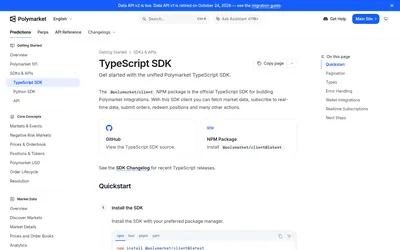

The official TypeScript SDK for public market data, typed pagination, real-time subscriptions and authenticated trading and wallet actions.
- Language TypeScript · JavaScript
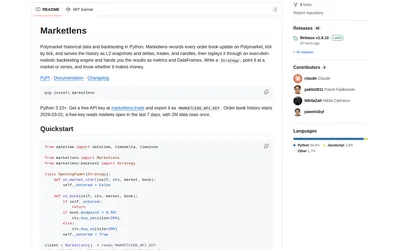

Retrieve historical Polymarket books and run either tick-level execution simulations or faster bar-based signal backtests in Python.
- Language Python
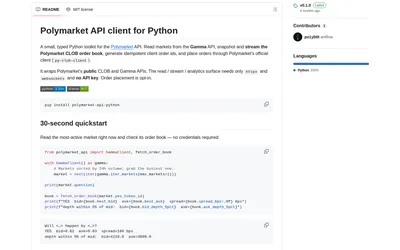
A compact typed Python client for Gamma discovery, computed order-book metrics and resilient CLOB streams, with trading as an optional extra.
- Language Python
Frequently asked questions about Polymarket Python SDK
Can I use it synchronously?
Yes. PublicClient and SecureClient have synchronous interfaces.
Why is subscribe missing from my client?
Subscriptions are provided by AsyncPublicClient and AsyncSecureClient.
Can it return a pandas DataFrame?
Yes, with the relevant optional extra and an explicit result limit.
Is this py-clob-client?
No. This is the current unified Python package; the official migration guide covers older clients.