 Polytoolhub
What is Pariflow?
Pariflow presents binary and multi-outcome events through category pages and market cards. Its help center distinguishes the visible browsing price from the executable quote, and separates available balance from total account value. Demo mode provides a simulated balance for learning entry, position changes and settlement.
Who it is for
- Users learning event-contract mechanics
- Readers comparing multi-outcome questions
- Users who want a demo mode before live account actions
Features and coverage
- Available on
- Web
- Markets & venues
- Pariflow
- Market categories
Browse sports, esports, crypto, elections and other subjects.
- Event cards
Inspect outcomes, volume and time remaining.
- Discovery filters
Narrow by range, time and volume.
- Demo balance
Practice orders and PnL without live funds.
- Quote checks
Validate current liquidity and account balance before execution.
- Early sale
Exit open positions when liquidity is available.
- Position accounting
Distinguish realized PnL from estimated open value.
- Account controls
Configure supported login and two-factor protections.
Workflows with Pariflow
Practice a position
Enter demo mode, select an outcome and follow it through price changes or settlement.
Review an order
Compare the displayed price with the final executable quote.
Understand balance differences
Separate liquid balance, position value and pending settlement.
Pricing and total cost
The FAQ says applicable fees appear in the relevant product flow before confirmation. No universal numerical trading-fee rate is published there.
Getting started
Before you start: A similarly named event on another venue can have different prices or rules.
- Browse an event and read its rules.
- Create an account for saved activity.
- Choose demo mode for practice.
- Inspect quotes and PnL.
- Review funding, withdrawal and account terms before live use.
Useful links
What to check
- A similarly named event on another venue can have different prices or rules.
- Demo execution does not establish live depth or fills.
- Cancelled and corrected events follow the platform’s market rules.
- Pariflow is not documented here as a direct login to an existing Polymarket account.
A closer look
Ratings & reviews
User reviews 0
The main score switches to user ratings after 5 published reviews.
A specific example helps the next person choose the right tool.
Write a review
How was your experience with Pariflow?
Share what you used, what worked and what could be better. We confirm your email and review the submission before publishing.
To submit a review, email info@polytradingbot.com with the tool name, your rating and your experience. Enable JavaScript to prepare a draft here.
Related tools
Browse category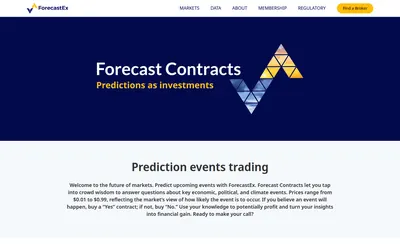

Research cash-settled Yes/No event contracts accessed through member brokers, with a one-cent execution fee and a monthly incentive-coupon mechanism.
- Access Web
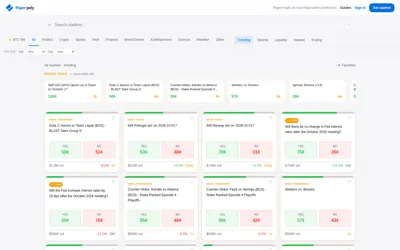

Practice with a $1,000 virtual bankroll and use a journal to review your decisions.
- Trading mode Paper
- Access Web · MCP
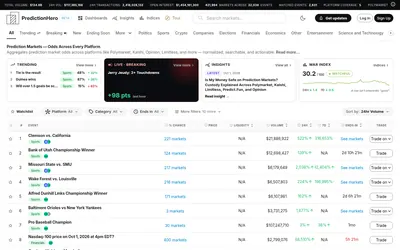

Search event probabilities across prediction venues, with matched-event groups, liquidity filters, watchlists and thematic indices.
- Access Web · Email
Frequently asked questions about Pariflow
Is there a demo?
Yes.
Why can the final quote differ?
Depth, spread and price movement affect execution.
Can I sell before resolution?
The FAQ says usually, while the market is open and liquidity exists.