 Polytoolhub
What is NautilusTrader?
NautilusTrader represents Polymarket YES and NO tokens as binary-option instruments and connects them to its event-driven trading framework. The adapter supplies data and execution clients with Python bindings, runtime market loading and reconciliation of orders, fills and positions.
Who it is for
- Python or Rust teams building event-driven strategies
- Researchers moving a strategy between replay and live infrastructure
- Developers who need explicit order-state management
Features and coverage
- Available on
- Python, Rust
- Markets & venues
- Polymarket
- Research topics
- Strategy development
- L2 and trade data
Receive book deltas, quotes and trade ticks in native Nautilus types.
- Runtime discovery
Load missing instruments through Gamma as subscriptions need them.
- Native signing
Create EIP-712 order signatures in the Rust adapter.
- Execution
Submit limit and marketable orders, cancel orders and batch independent limit orders.
- Reconciliation
Recover order, fill and position state using active orders, Data API positions and trade history.
- Resolution handling
Close winning and losing outcome instruments when the market resolves.
- Wallet support
Configure the correct signer, funder and signature type for the account.
Workflows with NautilusTrader
Develop a data strategy
Start with the public data client, load the outcome instruments and process quote or book events. Keep instrument identity consistent in stored research data.
Connect execution
Configure wallet credentials and allowances, then reconcile the account before enabling the strategy. Track cancellations and terminal fills in the same event pipeline.
Pricing and total cost
The adapter belongs to the open-source NautilusTrader platform. Running infrastructure, commercial platform services and venue trading costs are separate.
Getting started
Before you start: Market buys use a quote-currency amount; market sells use share quantities.
- Install the supported NautilusTrader release and read its Polymarket integration guide.
- Configure a data client and outcome instrument IDs.
- Subscribe to a small market set.
- For execution, configure signer, funder, signature type and required allowances.
- Enable reconciliation before starting the strategy.
Useful links
What to check
- Market buys use a quote-currency amount; market sells use share quantities.
- IOC maps to Polymarket FAK; GTC and GTD apply to resting limits.
- Venue-native stop, trailing, bracket, OCO and iceberg orders are not supported.
- Post-only cannot be combined with a market-order time in force.
- Order changes use cancellation rather than in-place amendment.
A closer look
Ratings & reviews
User reviews 0
The main score switches to user ratings after 5 published reviews.
A specific example helps the next person choose the right tool.
Write a review
How was your experience with NautilusTrader?
Share what you used, what worked and what could be better. We confirm your email and review the submission before publishing.
To submit a review, email info@polytradingbot.com with the tool name, your rating and your experience. Enable JavaScript to prepare a draft here.
Related tools
Browse category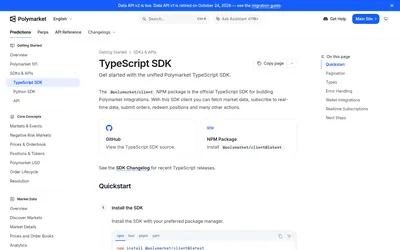

The official TypeScript SDK for public market data, typed pagination, real-time subscriptions and authenticated trading and wallet actions.
- Language TypeScript · JavaScript
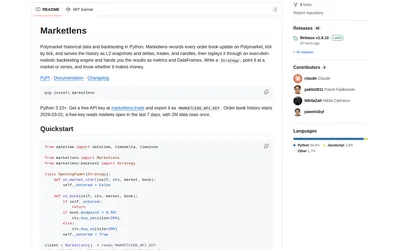

Retrieve historical Polymarket books and run either tick-level execution simulations or faster bar-based signal backtests in Python.
- Language Python
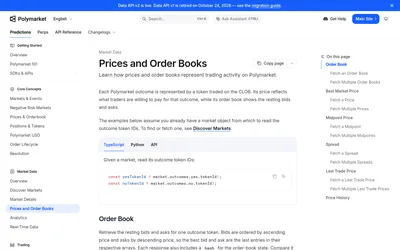

Read Polymarket prices and order books or build authenticated order placement, cancellation and account-order management.
- Data coverage Prices · Order books
- Access API
Frequently asked questions about NautilusTrader
Can I use market data without credentials?
Yes. Public CLOB feeds and Gamma discovery do not need a wallet.
Does the adapter support Python?
The Rust implementation exposes Python bindings.
Are stop orders venue-native?
No. The documented adapter does not offer venue-native stops or trailing orders.
How are the two outcomes identified?
Each uses a BinaryOption instrument with its condition ID and outcome token ID.