 Polytoolhub

What is Goldsky?
Goldsky is infrastructure for applications that need their own live and historical on-chain dataset. Its Polymarket integration uses Turbo Pipelines with sources, transformations and destination sinks. The current guide directs developers to v2 datasets because legacy public subgraph endpoints no longer represent the current contracts correctly.
Who it is for
- Developers building wallet analytics and custom dashboards
- Data teams maintaining a local warehouse of Polymarket activity
- Applications generating alerts from on-chain fills and positions
Features and coverage
- Available on
- Data pipelines, CLI, API
- Markets & venues
- Polymarket
- Order Filled dataset
Read individual maker/taker fill records with user, token, size, price, fees and transaction identifiers.
- Orders Matched dataset
Work with the taker-side aggregate match event when that is the required grain.
- Balances and positions
Track outcome-token balances, average entry prices and realized P&L fields.
- Historical and live replication
Use the same pipeline for backfill and ongoing updates.
- Transforms and sinks
Define how source records are transformed and delivered to supported destinations.
- CLI operations
Validate, deploy, inspect and monitor YAML pipeline configurations.
Workflows with Goldsky
Build a wallet-activity warehouse
Choose Order Filled, preserve event IDs and chain timestamps, transform the fields you need and stream them into your database. Add balances or positions when building exposure views.
Avoid double-counted volume
Choose a fill or taker-match grain explicitly. An individual matched trade can produce both buyer- and seller-side fill events.
Pricing and total cost
Pipeline costs depend on the selected Goldsky plan and usage. The Polymarket integration guide does not define a separate fixed Polymarket subscription.
Getting started
- Create a Goldsky account and install the documented CLI.
- Log into the project.
- Define v2 Polymarket sources, transforms and a destination in YAML.
- Run the configuration validator, deploy it and inspect live records and logs.
Useful links
What to check
- Legacy subgraph endpoints can return incomplete or incorrect data after the v2 contract migration.
- Order Filled and Orders Matched have different event grains.
- Your sink, retention and transformations determine what is available to downstream applications.
A closer look
Ratings & reviews
User reviews 0
The main score switches to user ratings after 5 published reviews.
A specific example helps the next person choose the right tool.
Related tools
Browse category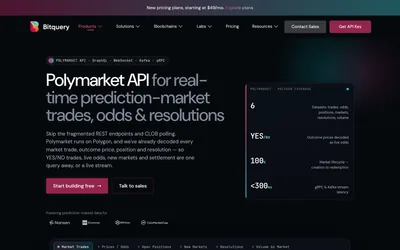

Query and stream decoded Polymarket on-chain trades, balances, market creation and settlement through Bitquery’s blockchain data platform.
- Data coverage Trades · Positions · Settlement
- Access API
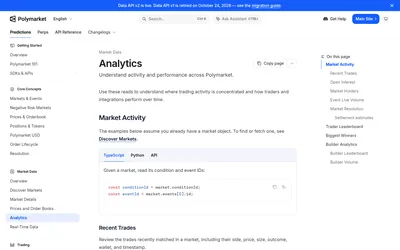

Build wallet dashboards and market analytics from public positions, activity, trades, holders, open interest and rankings.
- Data coverage Positions · Account activity
- Access API
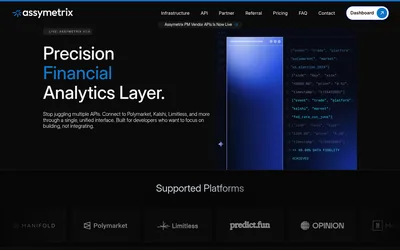

Query prediction-market metadata, prices, trades and order books across venues through a normalized data API.
- Data coverage Markets · Events · Prices · Trades · Order books
- Access Web · API
Frequently asked questions about Goldsky
Should I use the older public Polymarket subgraphs?
The current Goldsky guide recommends v2 Turbo Pipeline datasets instead.
Why can one trade produce two fill records?
The fill dataset records the perspectives of both matching orders; a taker-level match is a different dataset.
Can I put the data in my own database?
Yes. Replication to supported sinks is the purpose of Turbo Pipelines.