 Polytoolhub
What is Elastics?
Elastics combines a trading terminal with an agent builder for Polymarket and Kalshi. AI can assemble the same rule graph a user builds visually; execution then follows deterministic rules. Its useful distinction is between drafting a strategy, inspecting its configuration and running it on a schedule. Access is currently through private beta.
Who it is for
- Traders turning repeatable filters into scheduled workflows
- Users who want to inspect AI-created execution rules
- Teams monitoring strategy runs and exposure in one workspace
Features and coverage
- Available on
- Web
- Markets & venues
- Polymarket, Kalshi
- Visual and AI-assisted building
Create a rule graph manually or ask AI to assemble it.
- Scanner and tracker
Scan markets or follow a defined basket.
- Filters
Combine numerical, string and time conditions.
- Allocation and exposure
Set a fixed budget and exposure limits.
- Execution and schedules
Run the configured order-management workflow at intervals.
- Run lifecycle
Manage draft, running and stopped states and inspect system logs.
Workflows with Elastics
Automate a repeatable screen
Build scanner filters, add an allocation limit and inspect the generated graph. Run it on a suitable interval and use the logs to check which conditions passed.
Track a basket
Define the markets to monitor, attach the relevant conditions and order logic, and inspect each run before expanding its budget.
Pricing and total cost
No Elastics service trading fee for Polymarket or Kalshi. AI actions consume usage credits earned from eligible trading volume: lifetime credits equal the square root of lifetime volume. Venue and network costs remain separate.
Getting started
Before you start: Private-beta access is required.
- Enter through the private-beta access flow.
- Set up the venue connection: Polymarket funding or Kalshi Key ID and RSA credentials.
- Create a draft graph and inspect its inputs, filters and exposure limits.
- Choose a schedule, start the agent and review run logs.
Useful links
What to check
- Private-beta access is required.
- AI helps build the rules but has no discretion during runtime in the documented agent model.
- Polymarket deposit addresses can change; use the current deposit dialog.
- Hyperliquid is presented as upcoming.
A closer look
Ratings & reviews
User reviews 0
The main score switches to user ratings after 5 published reviews.
A specific example helps the next person choose the right tool.
Write a review
How was your experience with Elastics?
Share what you used, what worked and what could be better. We confirm your email and review the submission before publishing.
To submit a review, email info@polytradingbot.com with the tool name, your rating and your experience. Enable JavaScript to prepare a draft here.
Related tools
Browse category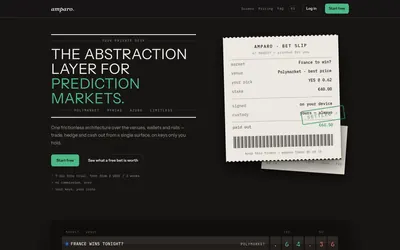

Compare supported prediction venues in one terminal, with local signing, bank-to-crypto funding workflows and modular software access.
- Trading mode Manual
- Access Web
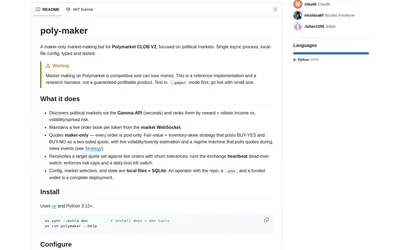
Run a configurable maker-only Polymarket bot with inventory-aware quotes, paper mode, market selection and exposure controls.
- Trading mode Paper · Live automation
- Access CLI
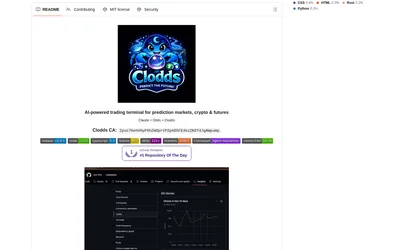
Run a self-hosted conversational trading terminal with Polymarket discovery, strategy tools, messaging integrations and configurable account access.
- Access Web · Telegram · Discord · MCP
Frequently asked questions about Elastics
Does AI decide freely on every trade?
The agent guide says runtime behavior follows the configured graph deterministically.
Can I inspect what the agent did?
The product describes per-run system logs and explicit lifecycle states.
How are AI credits earned?
The documented lifetime total is the square root of eligible lifetime trading volume; growth from $100 to $400 adds 10 credits, moving the total from 10 to 20.