 Polytoolhub
What is Dune?
Dune combines an on-chain data catalog, a SQL editor and visual dashboards. It is useful when a fixed analytics site does not answer the exact question: a researcher can define the tables, filters and aggregation, then expose the result as charts or tables with an inspectable query.
Who it is for
- Researchers building custom on-chain metrics
- Developers integrating query results
- Teams publishing reproducible market dashboards
Features and coverage
- Available on
- Web, SQL, API
- Markets & venues
- Polymarket, On-chain ecosystems
- Research topics
- On-chain analytics, Custom dashboards
- DuneSQL
Use a Trino-derived engine with blockchain-specific types.
- Address and integer types
Work with hashes, addresses and large on-chain values.
- Reusable query views
Compose analysis from existing queries.
- Materialized views
Precompute results for repeated analysis.
- Charts, tables and counters
Present query outputs in several forms.
- Dashboard widgets
Arrange and resize charts with explanatory text.
- Scheduled refresh
Run dashboards or individual queries on a schedule.
- Data/API products
Use the documented output and integration paths.
- Usage controls
Track credits and set additional-usage limits on paid plans.
Workflows with Dune
Define a metric
Specify exactly which fills or wallets count, then inspect the underlying query before comparing charts.
Build a dashboard
Create visualizations from tested results and add labels explaining units and coverage.
Budget a refresh schedule
Estimate query and export costs before scheduling frequent runs.
Pricing and total cost
Free access is view-only for existing dashboards and results. New accounts receive 2,500 total trial credits for up to 14 days with Plus features; the first limit reached ends the trial. Paid plans provide monthly credits that do not roll over. Executions, refreshes and exports consume credits, with configurable extra-usage caps on paid plans.
Getting started
Before you start: A dashboard is not automatically fresh; its queries must be rerun or scheduled.
- Find a relevant dataset or existing dashboard.
- Inspect the SQL and last execution time.
- Create an account if writing or running queries.
- Test a limited query before scaling.
- Add charts and explanatory widgets.
- Set refresh frequency and a credit budget.
Useful links
What to check
- A dashboard is not automatically fresh; its queries must be rerun or scheduled.
- Different authors can define volume, active wallets or PnL differently.
- Free does not include a recurring monthly query-credit allowance.
- The initial dashboard name determines a URL slug that the guide says cannot later be changed.
A closer look
Ratings & reviews
User reviews 0
The main score switches to user ratings after 5 published reviews.
A specific example helps the next person choose the right tool.
Write a review
How was your experience with Dune?
Share what you used, what worked and what could be better. We confirm your email and review the submission before publishing.
To submit a review, email info@polytradingbot.com with the tool name, your rating and your experience. Enable JavaScript to prepare a draft here.
Related tools
Browse category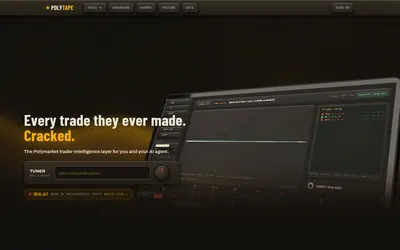

Replay a wallet’s entries and exits on charts to understand how its trading record was built.
- Access Web · API · MCP
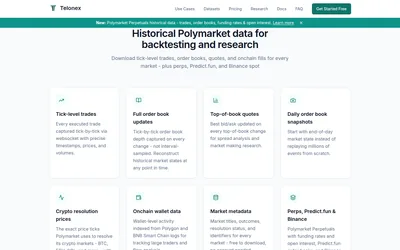

Download daily Parquet files of prediction-market trades, quotes, order-book events and on-chain fills for reproducible historical research.
- Access API
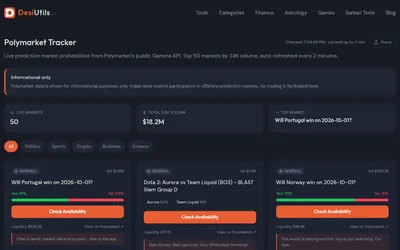

Browse a free, account-free view of the 50 highest-volume Polymarket questions, with probabilities, liquidity and simple topic filters.
- Access Web
Frequently asked questions about Dune
Does simply viewing a result consume query credits?
The docs distinguish free viewing from paid execution and refresh.
Are trial credits renewed monthly?
No; the trial has a total allowance.
Can I schedule only one query?
Yes.
Is Dune a live trading terminal?
Its role here is data analysis and presentation.