 Polytoolhub
What is Datadash?
Datadash combines wallet research with cohort analysis. A cohort can be a hand-picked list or a rule-driven group selected by realized PnL, ROI, activity or category. The group receives combined positions, PnL and signals, helping you see agreement across traders instead of monitoring each address separately.
Who it is for
- Researchers building their own smart-money watchlists
- Traders who want alerts on groups of wallets
- Builders querying wallet intelligence through MCP or API
Features and coverage
- Available on
- Web, Telegram alerts, MCP, API
- Markets & venues
- Polymarket
- Research topics
- Wallet cohorts, Copyability scores
- Wallet analysis
Inspect positions, trade history, PnL and trader statistics.
- Static cohorts
Save a fixed set of addresses and monitor their aggregate activity.
- Dynamic cohorts
Select wallets with performance, activity and category rules that refresh on demand.
- Position scores
Rank copyability using trader history, distance from entry price and relative position size.
- Trade timeline
Place buys and sells on the market chart with size, price and profit context.
- Configurable alerts
Watch wallets, cohorts or trader-stat rules over a chosen time window.
- Telegram delivery
Send alerts to Telegram after adding a chat ID; the current FAQ also describes in-app delivery.
- MCP access
Query the same intelligence from compatible AI clients.
Workflows with Datadash
Build a specialist cohort
Choose a market category, define realized-PnL and activity criteria, then inspect the group’s combined positions.
Evaluate a signal
Open the position, compare its entry with the current price and inspect how unusually large it is for that trader.
Set a group alert
Choose the cohort, threshold and time window, then configure in-app or Telegram delivery.
Pricing and total cost
The current official page says Datadash is free to use for now. Google, email or passkey login is offered; a wallet is optional for research. Enterprise Data API access uses a separate demo/contact flow.
Current app access
Free for now
- Wallet and cohort research
- Signals and alerts
- MCP research integration
Access: The older Pro/Max tier table is superseded by the current public free-access announcement. Future prices and enterprise API terms are not established by that announcement.
Getting started
Before you start: A signal score measures copyability, not the probability of the market outcome.
- Sign in with email, Google or a passkey.
- Search a public wallet or create a static cohort.
- Review the Signals and Smart Money tabs.
- Set alert conditions and the covered time period.
- Add the destination chat ID for Telegram alerts.
- Connect MCP if using an AI client.
Useful links
What to check
- A signal score measures copyability, not the probability of the market outcome.
- New trades usually appear within a minute; query latency is a separate measurement.
- A wallet is optional for analytics and needed only for trading features.
- Dynamic cohorts refresh on demand.
A closer look
Ratings & reviews
User reviews 0
The main score switches to user ratings after 5 published reviews.
A specific example helps the next person choose the right tool.
Write a review
How was your experience with Datadash?
Share what you used, what worked and what could be better. We confirm your email and review the submission before publishing.
To submit a review, email info@polytradingbot.com with the tool name, your rating and your experience. Enable JavaScript to prepare a draft here.
Related tools
Browse category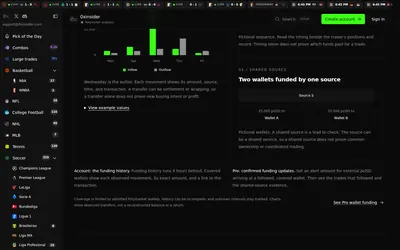

Compare Polymarket sports prices with profitable-wallet positions, inspect trader grades and track large trades through a dashboard or API.
- Access Web · API · MCP
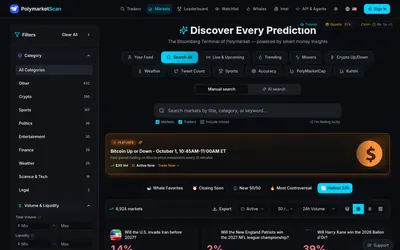
Explore Polymarket markets and wallets, compare category-specific trader results and use public agent endpoints or a paper arena.
- Access Web · API
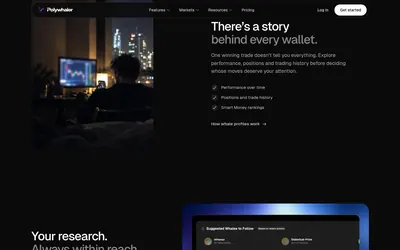

Research whale activity, build wallet alerts and test copying in Orca, with a separate API plan for historical data, webhooks and exports.
- Access Web · Telegram · Discord · API · iOS
Frequently asked questions about Datadash
Do I need to connect a wallet for analytics?
No. Account sign-in is enough.
What makes a cohort dynamic?
Rules choose its members instead of a fixed address list.
Is Telegram available free?
The current FAQ describes in-app and Telegram alerts. Add your chat ID for Telegram; the current homepage says the app is free to use for now.
Which venues are covered?
The documented current coverage is Polymarket.